Offline Inspection Apps: Why They Matter on Site
June 18, 2026
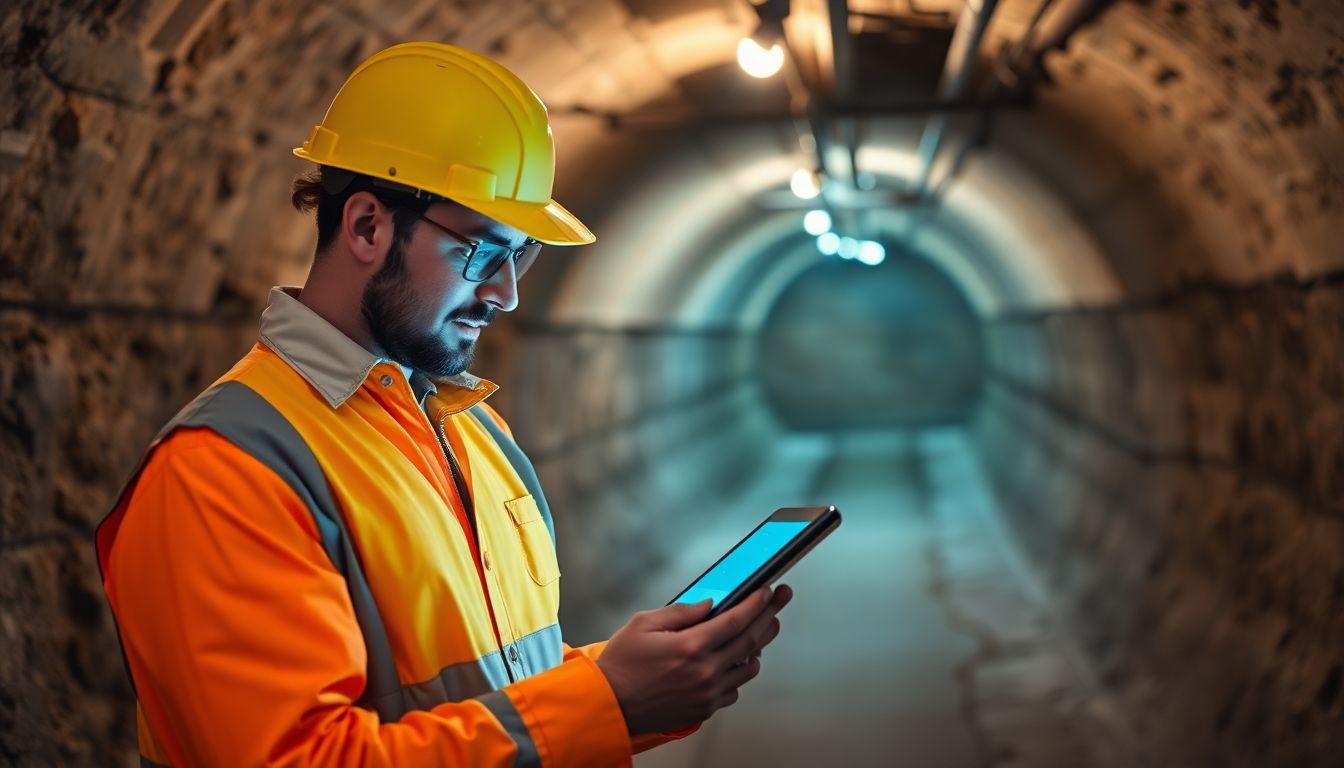
Most construction sites have dead spots, and plenty have no signal at all — a basement, a steel-framed core, a remote groundworks site miles from a mast. An inspection app that only works online is useless in exactly those places. That's why "offline-first" isn't a nice extra; it's the feature that decides whether a digital tool survives contact with a real site.
The connectivity problem on site
Office software assumes a connection. Construction doesn't get that luxury. Coverage drops behind concrete, inside plant rooms, in lift shafts, and across large or rural sites. If your app freezes, loses data, or refuses to save when the signal goes, the crew learns within a day that they can't rely on it — and the clipboard comes back out. The problem isn't whether you'll lose signal; it's that you definitely will, and the tool has to keep working when you do.
This is the single biggest reason digital rollouts fail on site, and it's worth reading alongside the wider paper versus digital site audits comparison before you commit to either.
How offline capture works
A true offline-first app stores everything on the device as you work — checklist entries, photos, notes, signatures — without needing a live connection. You complete the whole inspection exactly as normal, fully unaware of whether you're online. The moment a connection returns, the app uploads it all in the background. Done well, syncing is invisible; you should never have to think about it.
The key distinction: "offline-first" means the app is built to work offline by default, not an app that merely tolerates a brief drop. Some tools cache a little and fall over on a long outage. Test for the real thing.
Sync and conflict handling
Offline raises a question: what happens if two people edit the same thing before either syncs? Good apps handle this gracefully — queuing changes, timestamping them, and resolving or flagging conflicts rather than silently overwriting work. For most inspection workflows, where each person owns their own checks, conflicts are rare, but it's worth confirming the app won't lose data when they happen.
Which tools do this well
Offline capability varies widely by category. General construction site inspection apps tend to treat it as a core requirement, while safety inspection apps and digital site diary apps differ considerably — some assume an office upload at the end of the day. Check it explicitly rather than assuming.
What to test before buying
Don't take the marketing on faith. Before you commit:
- Put the device in airplane mode and complete a full inspection, photos and all
- Confirm everything is there and uploads correctly when you reconnect
- Try a long outage, not just a few seconds, to see if it holds
- Check that large photos sync reliably on a weak connection
If it passes those, the offline claim is real. It's one item on a longer list — see construction inspection software: features to look for for the rest.
Where SiteAudit fits
SiteAudit is offline-first by design. Inspections, photos and reports are captured straight to the device and sync automatically when you're back in range — so a dead zone never means lost work or a half-finished report. It's built for the reality that the best place to catch a defect is often the worst place to get a signal.
Related articles
Get the Site Audit app
Capture issues, generate reports and finish audits faster — right from your phone.


Site Audit is a free construction site audit app for contractors — download the app or see pricing.