Construction Inspection Software: Features to Look For
June 18, 2026
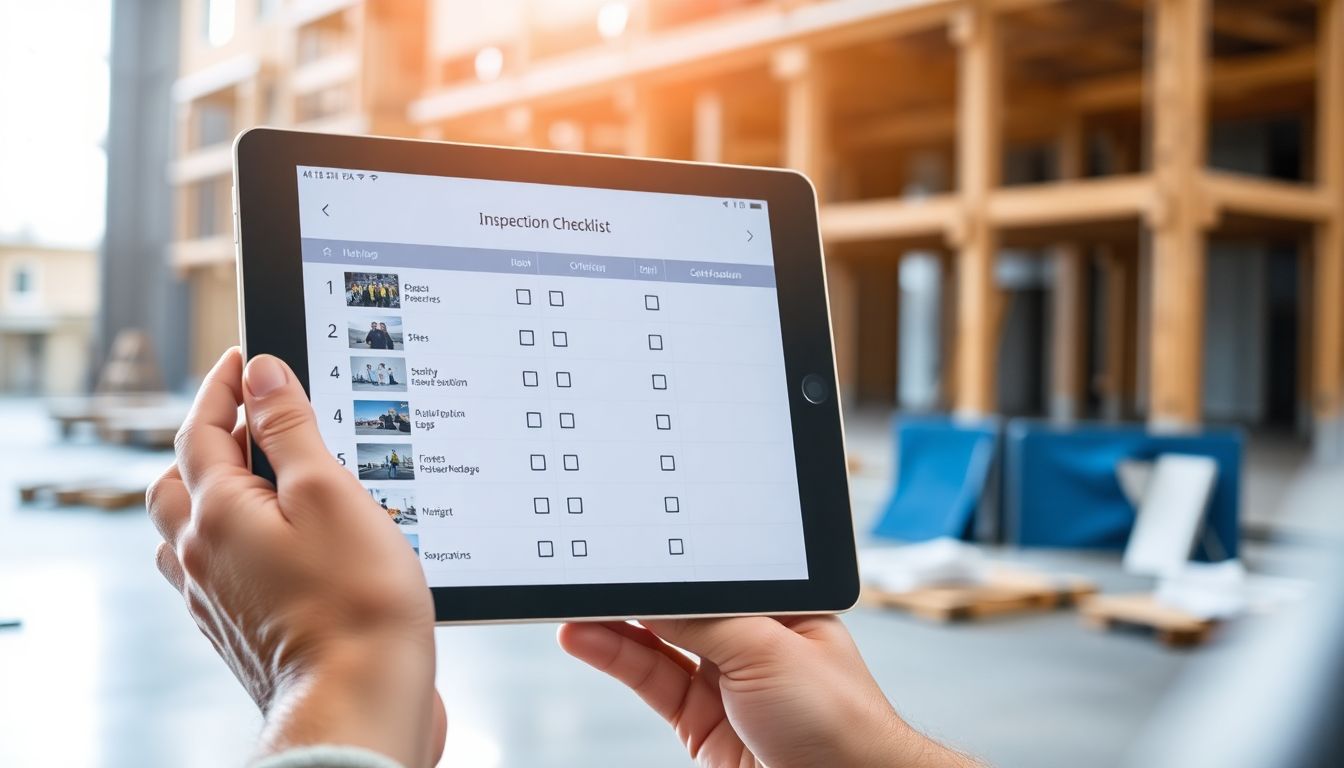
Every inspection software vendor lists dozens of features, and it's easy to end up paying for a long spec sheet you'll never touch — while the one thing that actually matters on site is buried halfway down. This guide cuts the list down to the features that earn their keep, the ones that are merely nice, and the ones you can safely ignore.
The features that actually matter
Offline-first capture. This is non-negotiable. Sites have dead zones; an app that needs signal to work will fail you in the basement and the back corner. It must capture everything offline and sync later, cleanly.
Photos tied to items. Evidence is only useful if it's attached to the specific check it relates to. Photos that land in a general gallery, disconnected from the item, recreate the exact problem you went digital to solve.
Custom checklists. Your standards, your form. A tool that forces a fixed template onto your process will be worked around within a week. You need to build and edit your own checklists with the field types you use.
Automated reports. The report should be finished the moment the inspection is — clean, professional, exportable to PDF and to raw data. If someone still has to assemble the report afterwards, the tool hasn't done its job.
The nice-to-haves
These add real value for some teams, but they're not the foundation:
- Assignment and tracking of issues to named people
- Dashboards across multiple sites or projects
- Integrations with project management or document systems
- Scheduling of recurring inspections
If you manage one or two sites, you may never need them. If you run many, they start to matter.
What you can usually ignore
Long lists of niche field types, heavyweight workflow engines, and analytics suites look impressive in a demo but rarely survive contact with a busy site. The feature that quietly sinks adoption is the opposite of all of them: anything that makes the app slow or confusing for the person holding the phone. An app the crew finds awkward is an app that goes unused — and an unused tool has no features worth anything.
Integrations and data export
One feature is worth singling out: the ability to export your own data in a usable format, any time, with no lock-in. Whatever else you choose, make sure your inspection history is portable. It protects you if you ever switch tools.
A simple test
Run a real inspection on a real site with the people who'll use it. If it's fast, captures photos against the right items, works in a dead zone, and hands you a report you'd send a client — it has the features that matter. The rest is detail.
Where SiteAudit fits
SiteAudit is deliberately built around the essentials: offline capture, photos on every item, your own checklist templates, and instant reports — with assignment, tracking and export when you need them. The aim is a tool fast enough that the crew actually uses it, which is the only feature that makes the rest count.
Related articles
Get the Site Audit app
Capture issues, generate reports and finish audits faster — right from your phone.


Site Audit is a free construction site audit app for contractors — download the app or see pricing.