Construction Defect Tracking Software
June 18, 2026
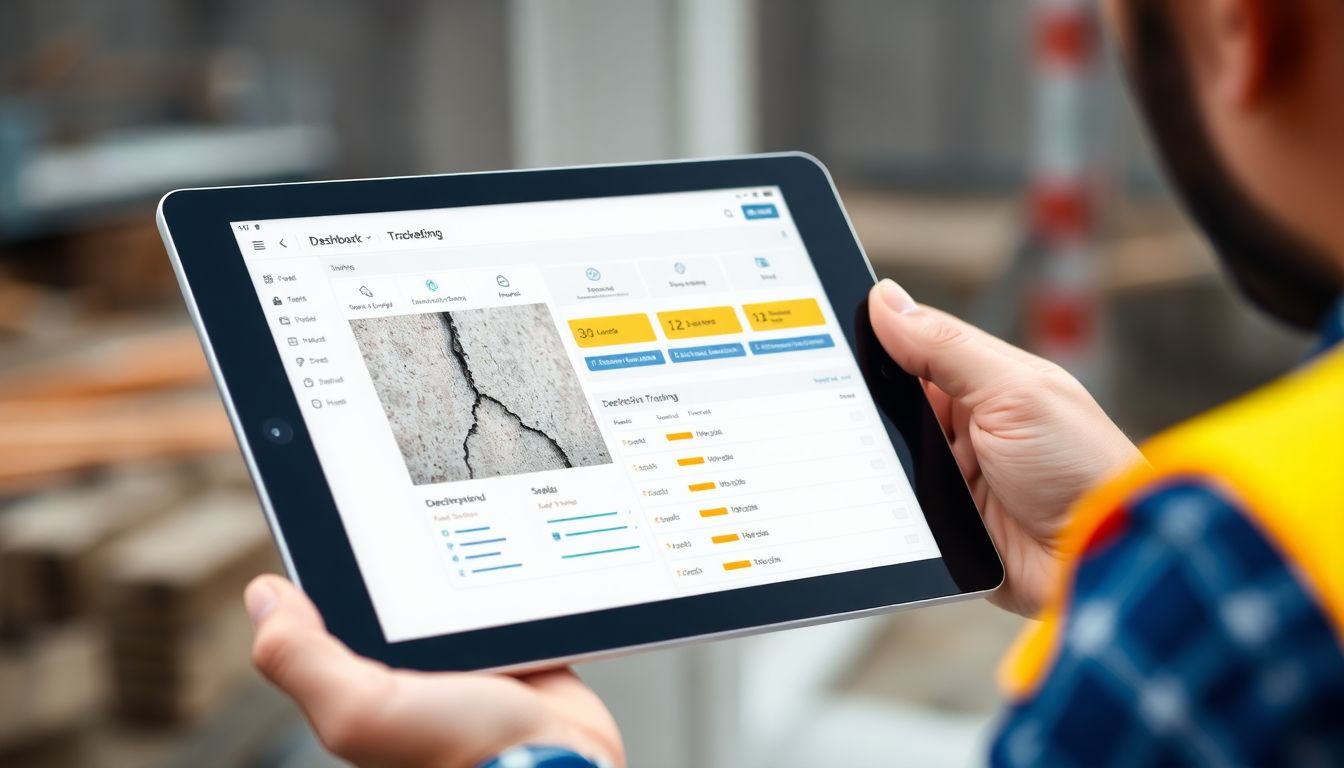
A defect logged on paper gets lost. A defect logged in software gets closed. That's the whole case for defect tracking software in one sentence — but the difference it makes to rework, disputes and handover is worth understanding properly. This guide explains how these tools work and what separates the good ones.
The cost of untracked defects
Every defect that isn't tracked is a small bet that someone will remember it. Most of the time they don't. The crack noted on a sticky note, the photo buried in someone's camera roll, the verbal "I'll sort that" — these are how defects survive to handover, where they become callbacks, retentions held back, and arguments about who pays. Tracking them isn't bureaucracy; it's the cheapest insurance on the job.
Logging with photos and location
Good defect tracking starts at capture. Each defect should be logged once, in full: a clear photo (or two — wide for context, close for detail), a precise location, and a short description of what's wrong. Pinning the defect to a room, area or point on a drawing removes the "which wall?" problem that wastes a trade's time when they come to fix it.
Assigning to trades
A defect with no owner is a defect with no deadline. The software should let you assign each item to the responsible trade or subcontractor, set a due date, and notify them automatically. That turns a list into a set of commitments, each with a name against it.
Status tracking and close-out
The heart of the tool is the lifecycle: open → assigned → in progress → ready for review → closed. Crucially, closing a defect should require a re-inspection, not just someone marking it done. Keeping the original photo attached through that whole process means there's never a dispute about whether the fix actually happened.
Reporting and audit trails
Because every entry is timestamped and evidenced, defect tracking software gives you something paper never could: a defensible audit trail. You can report on what's outstanding by trade or area, show a client exactly what was found and fixed, and — if a claim ever lands — produce a dated, photo-backed record of the whole history.
Defect tracking or defect management software?
The two terms get used interchangeably, and mostly they describe the same tool at different scopes. Defect tracking emphasises the individual item — log it, assign it, close it. Defect management software implies the wider view: the same lifecycle, plus oversight across a whole project or portfolio — dashboards of what's outstanding by trade, area or plot, trends over time, and clean reporting for the client or main contractor. In practice a good tool does both: rigorous per-defect capture and close-out, with management-level visibility on top. When you compare options, judge them on whether they handle the individual defect properly first — because management dashboards built on weak capture are just tidy-looking guesses.
What to look for
- Photo and location capture on every defect
- Assignment and notifications to the responsible trade
- A clear status lifecycle with a re-inspection step
- Offline capture for sites with no signal
- Reporting and export with a complete audit trail
Where SiteAudit fits
SiteAudit logs each defect with evidence, assigns it to the right person, and tracks it through to a verified fix — keeping the photo and history attached the whole way. The result is fewer items slipping through, faster close-out, and a record that holds up if anyone ever questions it.
Related articles
Get the Site Audit app
Capture issues, generate reports and finish audits faster — right from your phone.


Site Audit is a free construction site audit app for contractors — download the app or see pricing.